Tag Archives: new toy

Bragi – Dash

In case you haven’t seen them, Bragi has finally shipped the kickstarter funded smart wireless headphones. They are ~1 year late, not uncommon for a hardware project of this ambition, but now that they are here I’ve found them to be well worth the wait.

In spite of the many delays, this has been one of the better hardware projects. The team at Bragi have been great at communicating their progress, the issues that they’ve encountered (many) and how they plan to work around them – the up front communication throughout the project had kept my interest and anticipation high and what is sitting on my desk is a quality piece of hardware engineering.
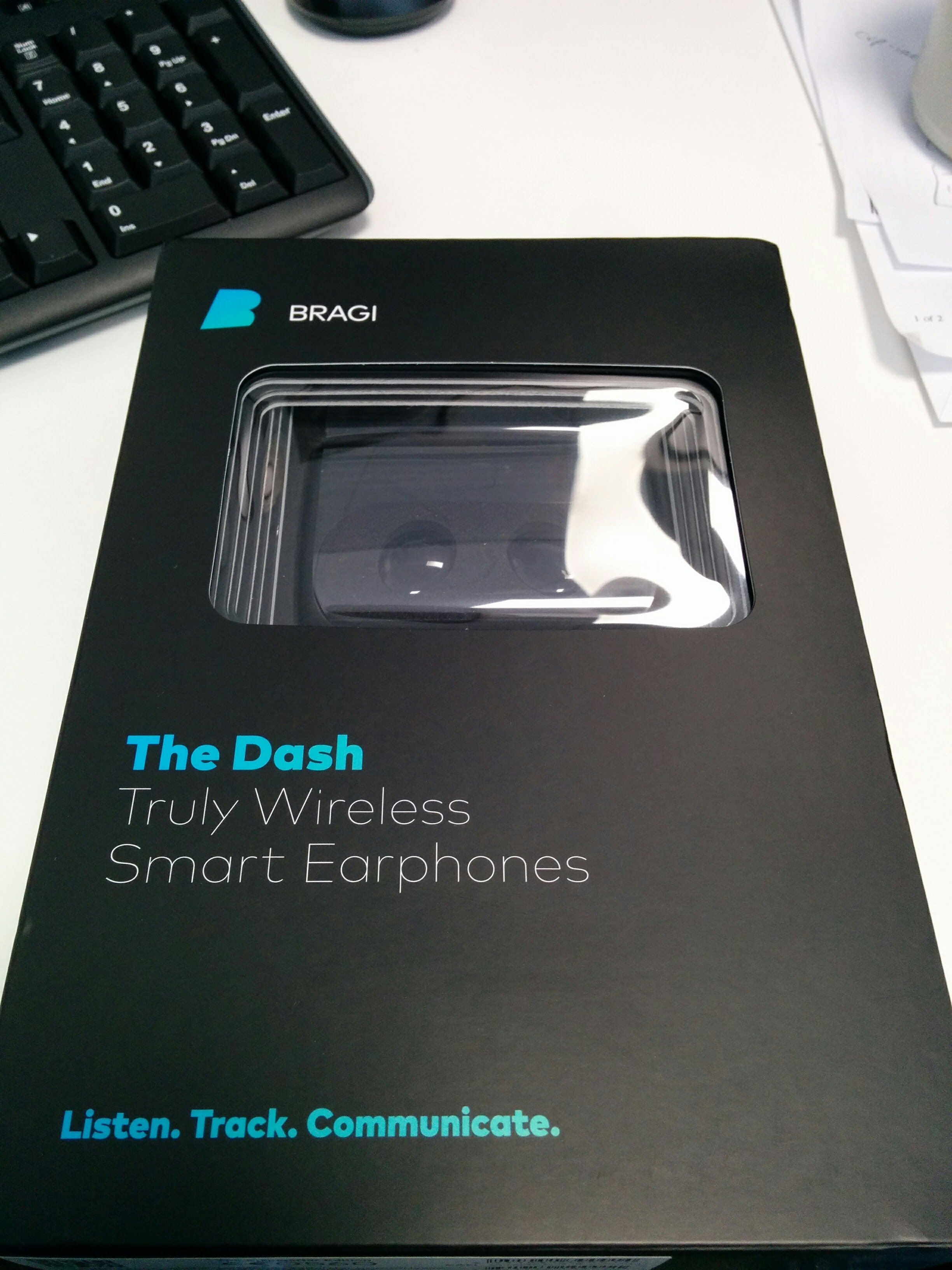
Dash - Still in the boxInitial Impressions

Very nicely packaged and definitely looks and feels like a high quality product – Apple would be jealous of the packaging 🙂 The only downside is that the rubber sleeves, which are definitely inferior quality. A very minor thing, but does detract from the quality.
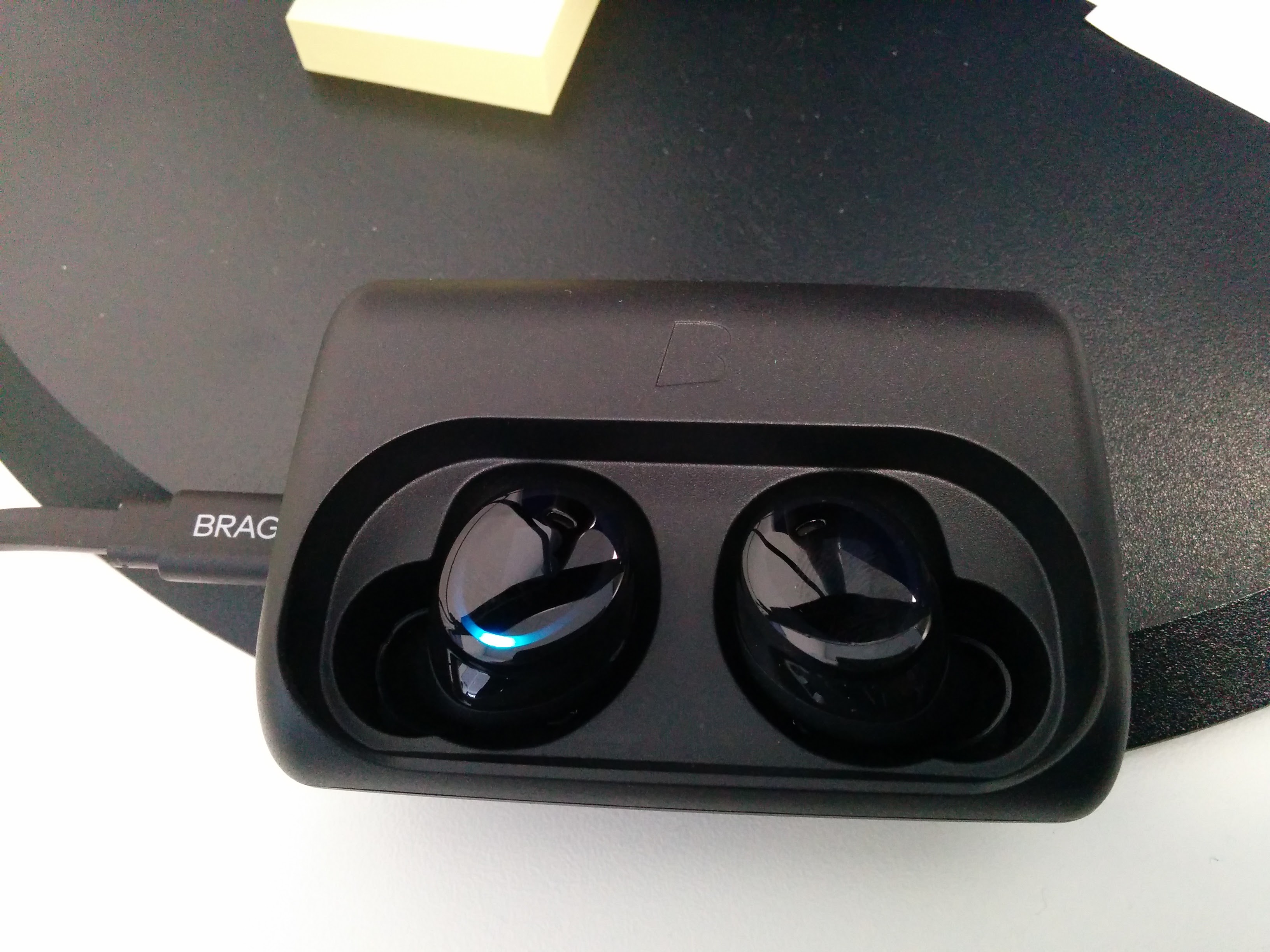
Dash - Charging Nicely9/10

General comments

  • Packaging and presentation – really excellent, a quality build. 9/10
  • Initial setup – very smooth. A little difficult to get used to where exactly to touch to trigger the sensors, but that problem goes away with use. 8/10
  • Audio Quality – quite good. Occasional problem with interference when streaming bluetooth but that is expected. Bass is a touch weak, but could probably address that. White noise is only really noticeable when there is nothing playing. 7/10
  • Audio under water – haven’t been brave enough to try that 🙂
  • Touch controls – take a little practice, but after about an hour of playing with it the “sweet spot” was starting to be come intuitive
  • Audio transparency – takes a little getting used to, but awesome 9/10

Tips and Tricks

Use the Internal Music Player and stay Paired for calls – David Dohmen

The connection [Dash -> Bragi App] uses BLE, and is hosted from the left Dash.
The connection [Dash -> Telephony & Music Streaming] uses Bluetooth Classic, and is hosted on the Right Dast.

These two links are independent, you can use one without using the other.

With newer Android versions you can even go further:
Under Settings -> Pairing Devices -> The Dash
you’ll be able to de/activate both Phone audio (Calls and notifications) and Media audio (Music streaming) separately.
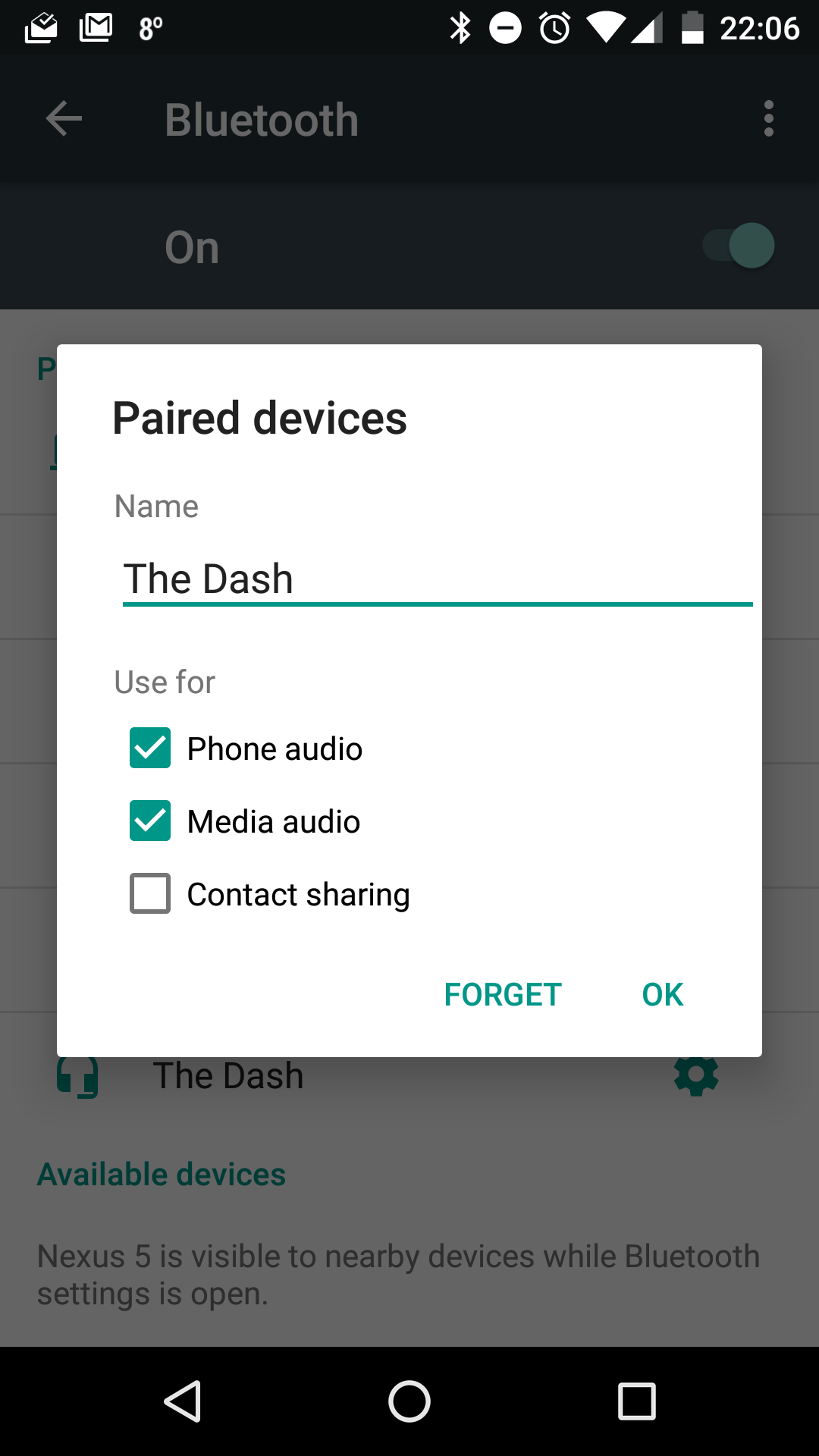
Dash - Bluetooth Configuration
That way you can listen to the internal player but you will still get calls for example.

Updating Raspberry Pi

Recently expanded my collection of Raspberry Pi devices to 3 (1 Model B and 2 B+) and had to go ferreting around to find how to fully update them.

First up, make sure there is a network connection. Then update the package list:

sudo apt-get update

Then upgrade all the packages:

sudo apt-get upgrade

Finally upgrade the kernel and firmware:

sudo rpi-update
*** Raspberry Pi firmware updater by Hexxeh, enhanced by AndrewS and Dom
*** Performing self-update
% Total % Received % Xferd Average Speed Time Time Time Current
Dload Upload Total Spent Left Speed
100 7635 100 7635 0 0 21720 0 --:--:-- --:--:-- --:--:-- 26978
*** Relaunching after update
*** Raspberry Pi firmware updater by Hexxeh, enhanced by AndrewS and Dom
*** We're running for the first time
*** Backing up files (this will take a few minutes)
*** Backing up firmware
*** Backing up modules 3.12.28+
*** Downloading specific firmware revision (this will take a few minutes)
% Total % Received % Xferd Average Speed Time Time Time Current
Dload Upload Total Spent Left Speed
100 168 0 168 0 0 267 0 --:--:-- --:--:-- --:--:-- 359
100 23.0M 100 23.0M 0 0 1061k 0 0:00:22 0:00:22 --:--:-- 1412k
*** Updating firmware
*** Updating kernel modules
*** depmod 3.12.33+
*** Updating VideoCore libraries
*** Using HardFP libraries
*** Updating SDK
*** Running ldconfig
*** Storing current firmware revision
*** Deleting downloaded files
*** Syncing changes to disk
*** If no errors appeared, your firmware was successfully updated to 7c60d6b268cbc7a2ac6b652cb0ecb3495c636ad8
*** A reboot is needed to activate the new firmware
pi@raspberry-watcher ~ $

And reboot

sudo reboot

Internet Access in Awkward Places

Finally got around to putting up a description of a project I’ve been poking along for a while to put Internet access and a remotely accessible security camera in the parents holiday home (ld building, thick walls and no wireline connectivity) – all the hardware used and details on the build are available here.

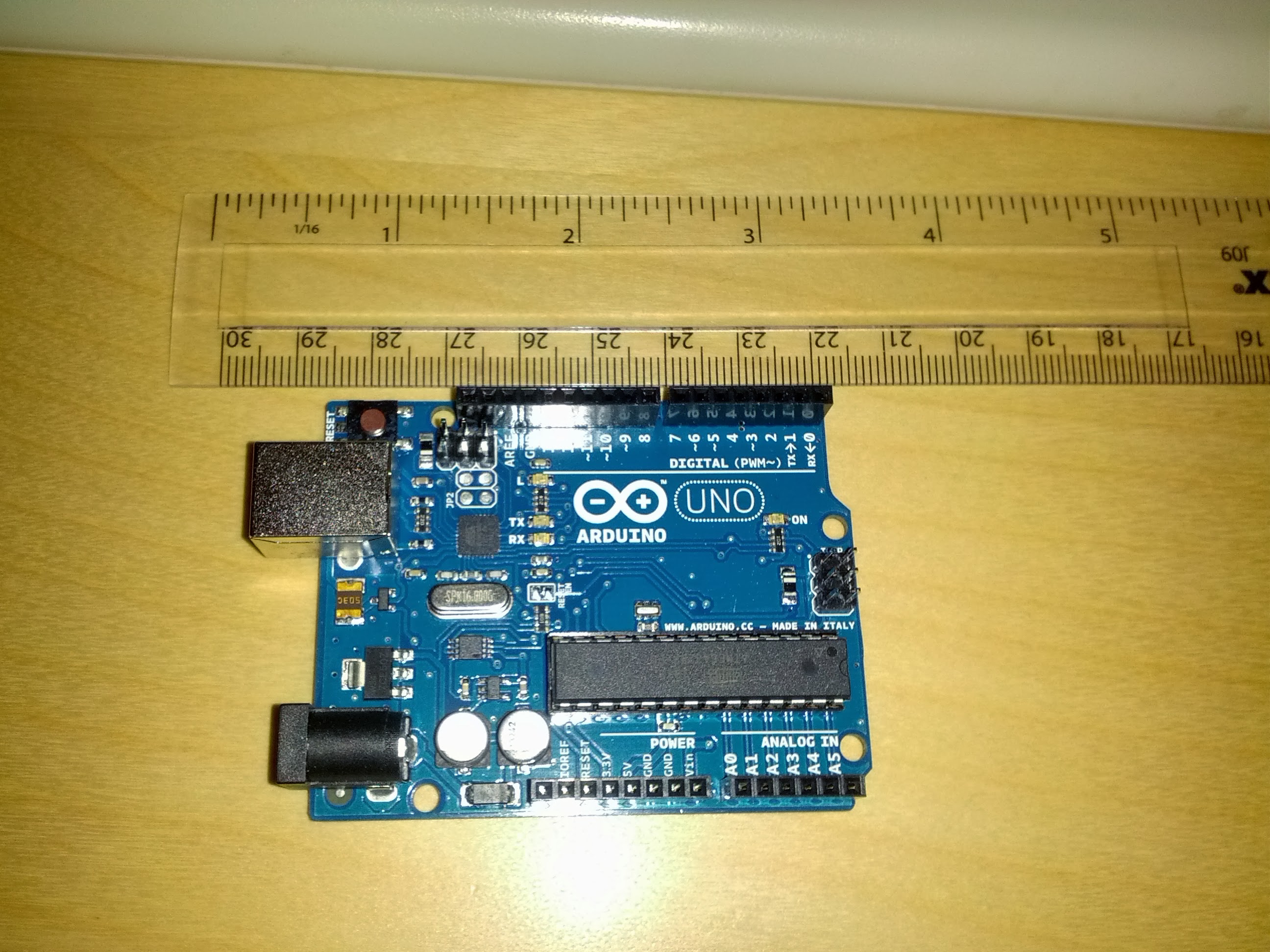
New Toy – Arduino Uno

Hey,

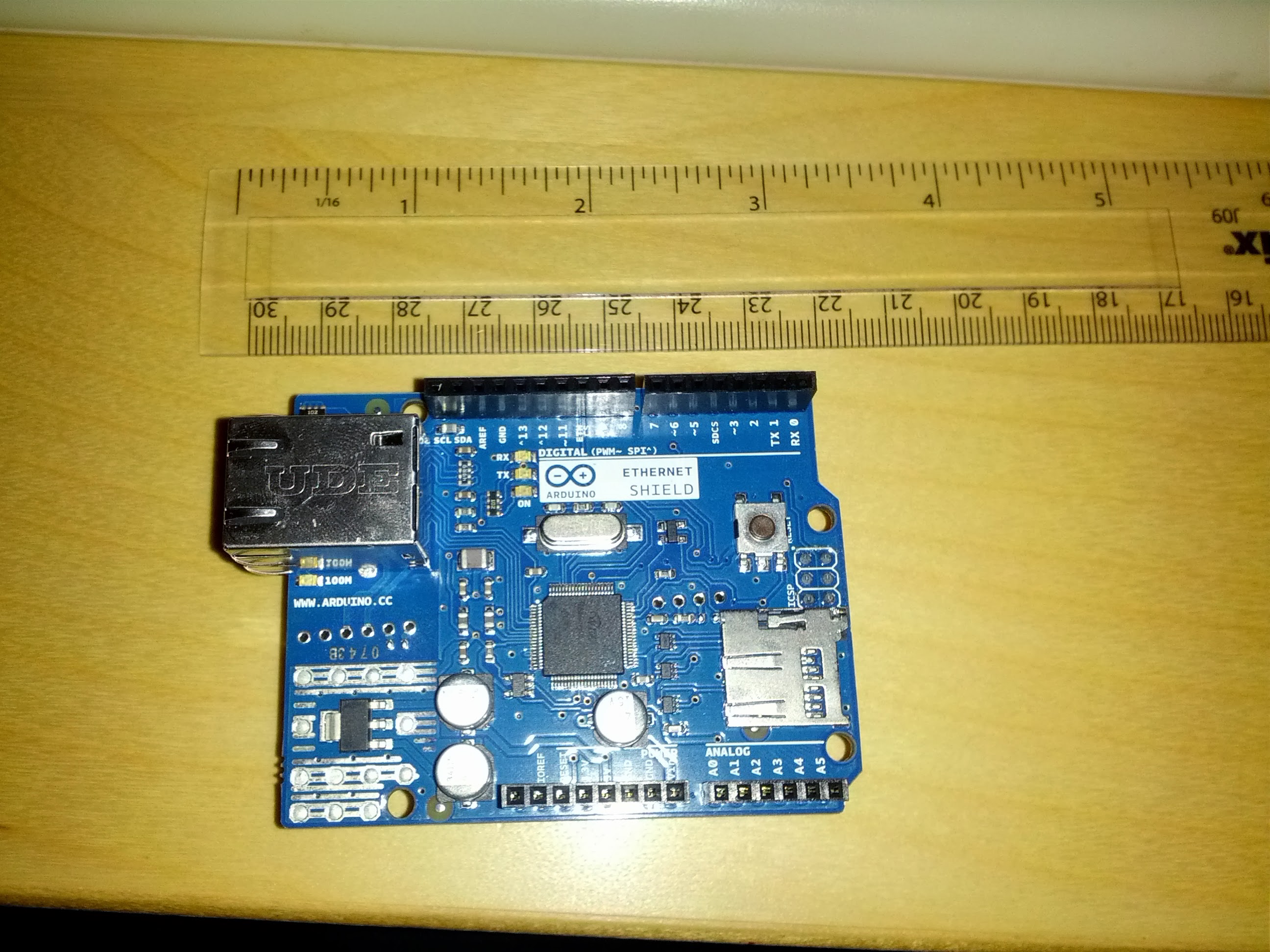
As I mentioned on another page I’d ordered an Arduino Uno and Ethernet Shield as an small side project, and they arrived today – great job Farnells for next working day delivery!

Arduino Uno - Rev 3

Arduino Ethernet Shield

Of course, I didn’t bother to read all the directions and soon found out that the connection is a USB Type B connector – last time I used one of those was about 6 years ago in a big external HDD 🙂

Quick trip to PC World solved that, and grabbed a 4GB microSD card to increase storage.

Got the development environment installed without any issue, and the Uno grabbed COM11 – loaded in the blink template and bingo – working without a hitch.

Started playing with that a bit to create a very simple morse code SOS program.

void loop() {
  x = 0;
  while ( x < 3 ) {
    digitalWrite(led, HIGH);   // turn the LED on (HIGH is the voltage level)
    delay(500);               // wait for a half second
    digitalWrite(led, LOW);    // turn the LED off by making the voltage LOW
    delay(500);               // wait for a half second
    x++;
  }
  x = 0;
  while ( x < 3 ) {
    digitalWrite(led, HIGH);   // turn the LED on (HIGH is the voltage level)
    delay(1000);               // wait for a second
    digitalWrite(led, LOW);    // turn the LED off by making the voltage LOW
    delay(500);               // wait for a half second
    x++;
  }
  x = 0;
  while ( x < 3 ) {
    digitalWrite(led, HIGH);   // turn the LED on (HIGH is the voltage level)
    delay(500);               // wait for a half second
    digitalWrite(led, LOW);    // turn the LED off by making the voltage LOW
    delay(500);               // wait for a half second
    x++;
  }
  delay(2000); // wait 2 secs
}

Clearly I need to get back to coding – was just thinking that if you add in functions this is a good example of many programmatic structures in a very short, easy to follow example (also need to get this blog indenting code correctly) [Edit – fixed. Turns out the editor has a copy-as-html feature which is nice].

Looking forward to getting the network shield up and running tomorrow, but just to tired to jump into it now.