
Fairly simple to update the vCenter Server Appliance, but I had a bit of hunting to track it down myself. Main point is to connect to your VCSA on port 5480. Authentication is using your root account not the SSO one.
As always, be sure to take a backup before you do this.
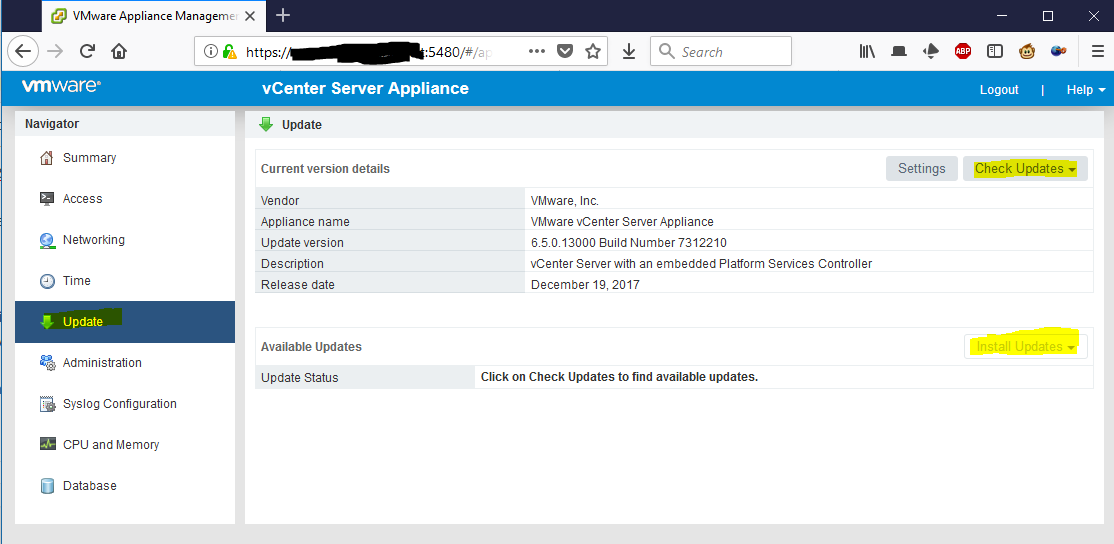
Once signed in, click Update, Check for Updates. Check Repository (note that VCSA will need internet connectivity for this).
Then under available updates, click install updates, install all updates, and reboot when prompted.


