
In case you haven’t seen them, Bragi has finally shipped the kickstarter funded smart wireless headphones. They are ~1 year late, not uncommon for a hardware project of this ambition, but now that they are here I’ve found them to be well worth the wait.
In spite of the many delays, this has been one of the better hardware projects. The team at Bragi have been great at communicating their progress, the issues that they’ve encountered (many) and how they plan to work around them – the up front communication throughout the project had kept my interest and anticipation high and what is sitting on my desk is a quality piece of hardware engineering.
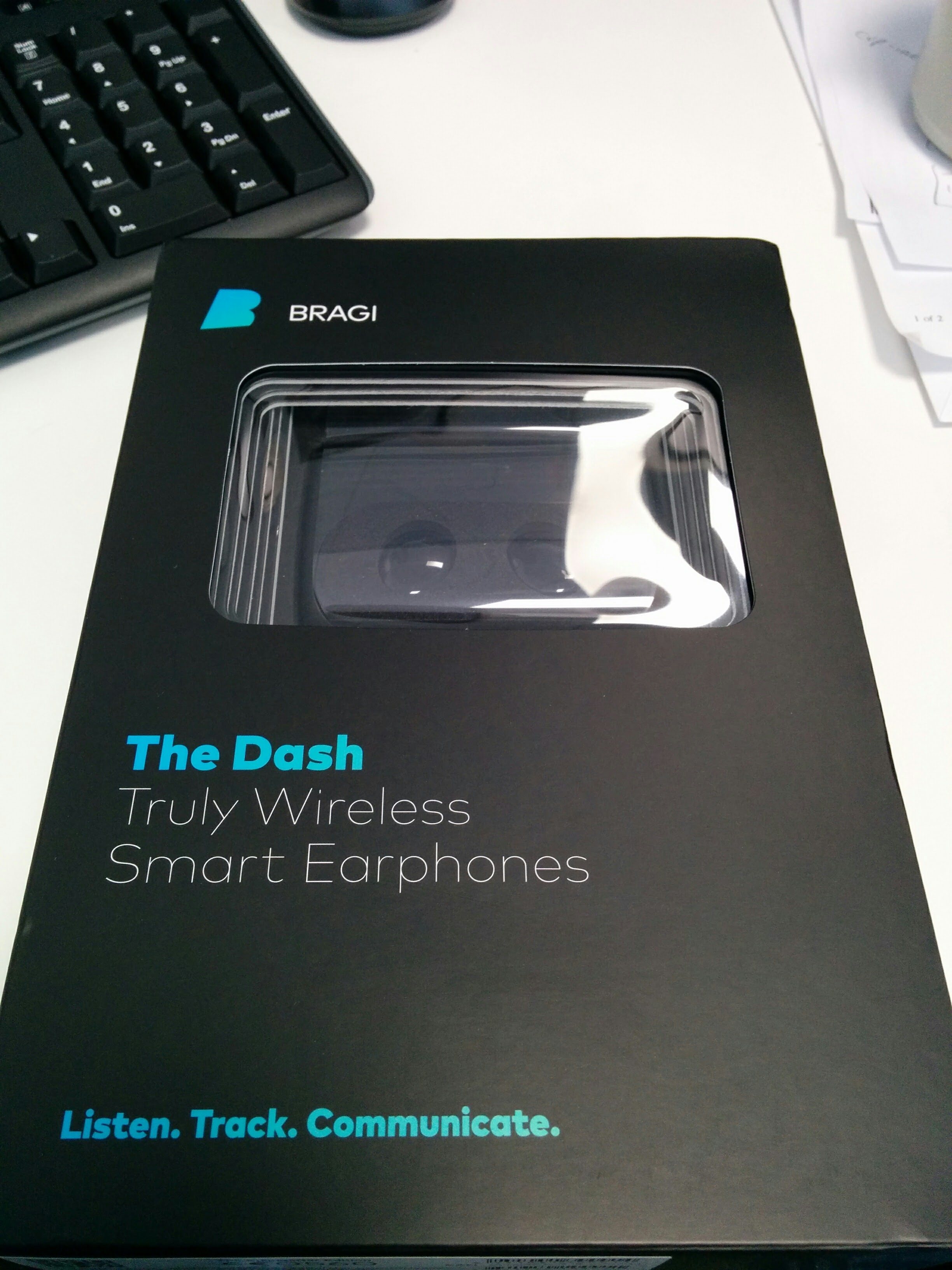 Initial Impressions
Very nicely packaged and definitely looks and feels like a high quality product – Apple would be jealous of the packaging 🙂 The only downside is that the rubber sleeves, which are definitely inferior quality. A very minor thing, but does detract from the quality.
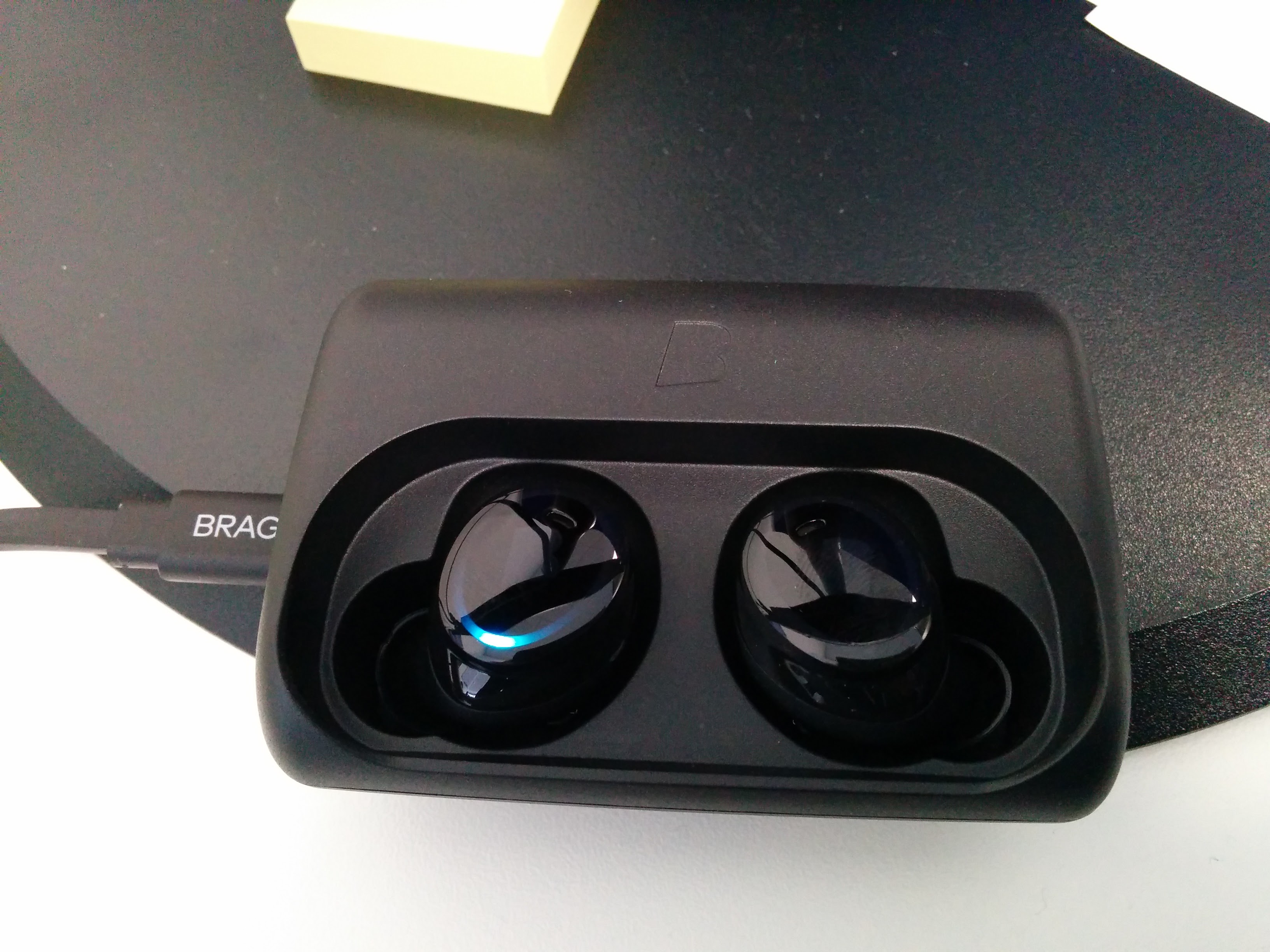 9/10
9/10
General comments
- Packaging and presentation – really excellent, a quality build. 9/10
- Initial setup – very smooth. A little difficult to get used to where exactly to touch to trigger the sensors, but that problem goes away with use. 8/10
- Audio Quality – quite good. Occasional problem with interference when streaming bluetooth but that is expected. Bass is a touch weak, but could probably address that. White noise is only really noticeable when there is nothing playing. 7/10
- Audio under water – haven’t been brave enough to try that 🙂
- Touch controls – take a little practice, but after about an hour of playing with it the “sweet spot” was starting to be come intuitive
- Audio transparency – takes a little getting used to, but awesome 9/10
Tips and Tricks
Use the Internal Music Player and stay Paired for calls – David Dohmen
The connection [Dash -> Bragi App] uses BLE, and is hosted from the left Dash.
The connection [Dash -> Telephony & Music Streaming] uses Bluetooth Classic, and is hosted on the Right Dast.
These two links are independent, you can use one without using the other.
With newer Android versions you can even go further:
Under Settings -> Pairing Devices -> The Dash
you’ll be able to de/activate both Phone audio (Calls and notifications) and Media audio (Music streaming) separately.
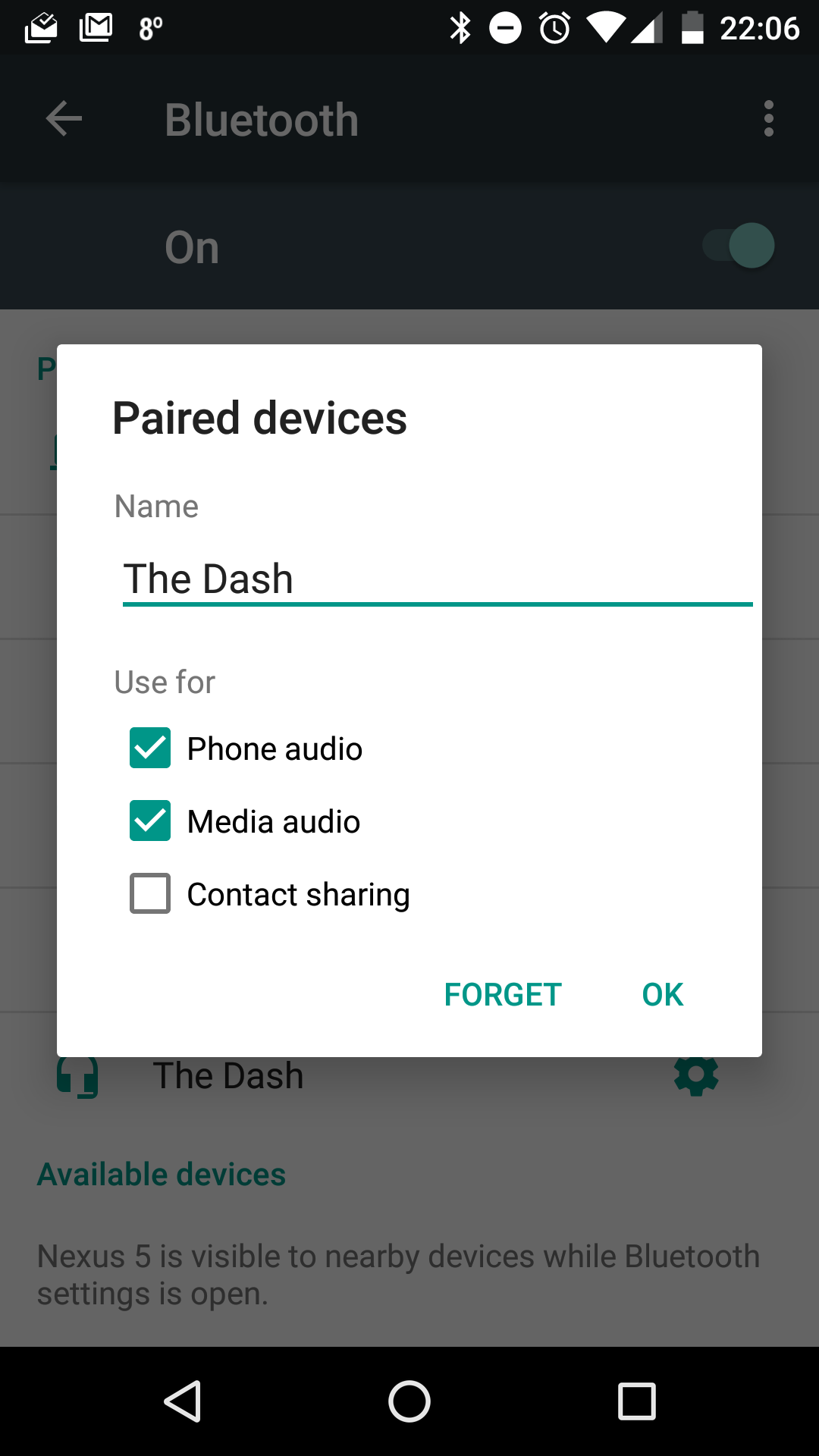
That way you can listen to the internal player but you will still get calls for example.


