Tag Archives: airtame

Streaming Sports with the Airtame

I decided that a good test of the Airtames abilities would be some sports streaming from my PC (wired ethernet to router) via 2.4GHz WiFi to the Airtame sitting in the back of the TV. Tried using the default settings but had a number of problems:

  • Echo/stuttering audio
  • Disconnects
  • Audio growing further and further out of sync (falling behind) the video

The source material is Sky Sports rugby coverage of the Top14 Clermont vs. Toulon match so streaming to PC via SkyPlayer which is making use of a Silverlight DRM system. Downlink is 120Mbps so no bandwidth issues there, and light web traffic on the WiFi network.

After making a number of adjustments to the router configuration there was a small improvement, but still not very watchable. Next approach was to try and go for deep buffers so I configured (Manual mode) the buffers up to 10 seconds, and the max buffers to 15 seconds. This improved stability, but over time (10mins) the audio fell out of sync again – even worse then before, so obviously deeper buffering isn’t always a good thing.

Best settings so far

Continued experimentation has the following as the best settings so far (firmware v1.0.0-b1):

  • Reliability: Reliable
  • Quality: Medium
  • FPS: 24
  • Buffer: 3 seconds
  • Max Buffer: 5 seconds
  • Audio: on

On a 40″ (1080p mode) screen (Samsung) you can see that there is some compression going on, but then the Sky Player (DRMed using Silverlight based system) isn’t pumping out fantastic quality either, but no audio issues (stuttering gone), stable video and audio, and all seems to be keeping in good sync. So far running for ~60mins without any issue.

Next steps will be trying to monitor it more (network conditions, latency, device load, etc.) and upping the quality levels to see where we hit a wall again…

Airtame – Display anything… wirelessly

Finally got my hands on my Indiegogo funded Airtame last night, so wanted to put up a few thoughts on it. First impressions – very good. Simple packaging, 3 instructions to get you started and includes;

  • The Airtame
  • AC Power Adapter
  • EU Power Adapter (plug)
  • UK Power Adapter (plug)
  • HDMI Extension Cable
  • MicroUSB cable

Getting started

This was as simple as plugging in the dongle, and installing the app. The Airtame acts as a 5GHz WiFi access point, and sets a random password – displayed on the screen. Once connected directly you can then connect it to your WiFi network. All worked without any issues.

Slow Firmware Update

As I excitedly went to try a basic stream I had my only real disappointment – a lengthy (30 mins) firmware update before I could actually use the thing. At more then one point I thought that it might have stalled out but was dissuaded from killing the power by a warning not to. An ETA or at least some guidance on how long it would take should be considered.

Cool Things

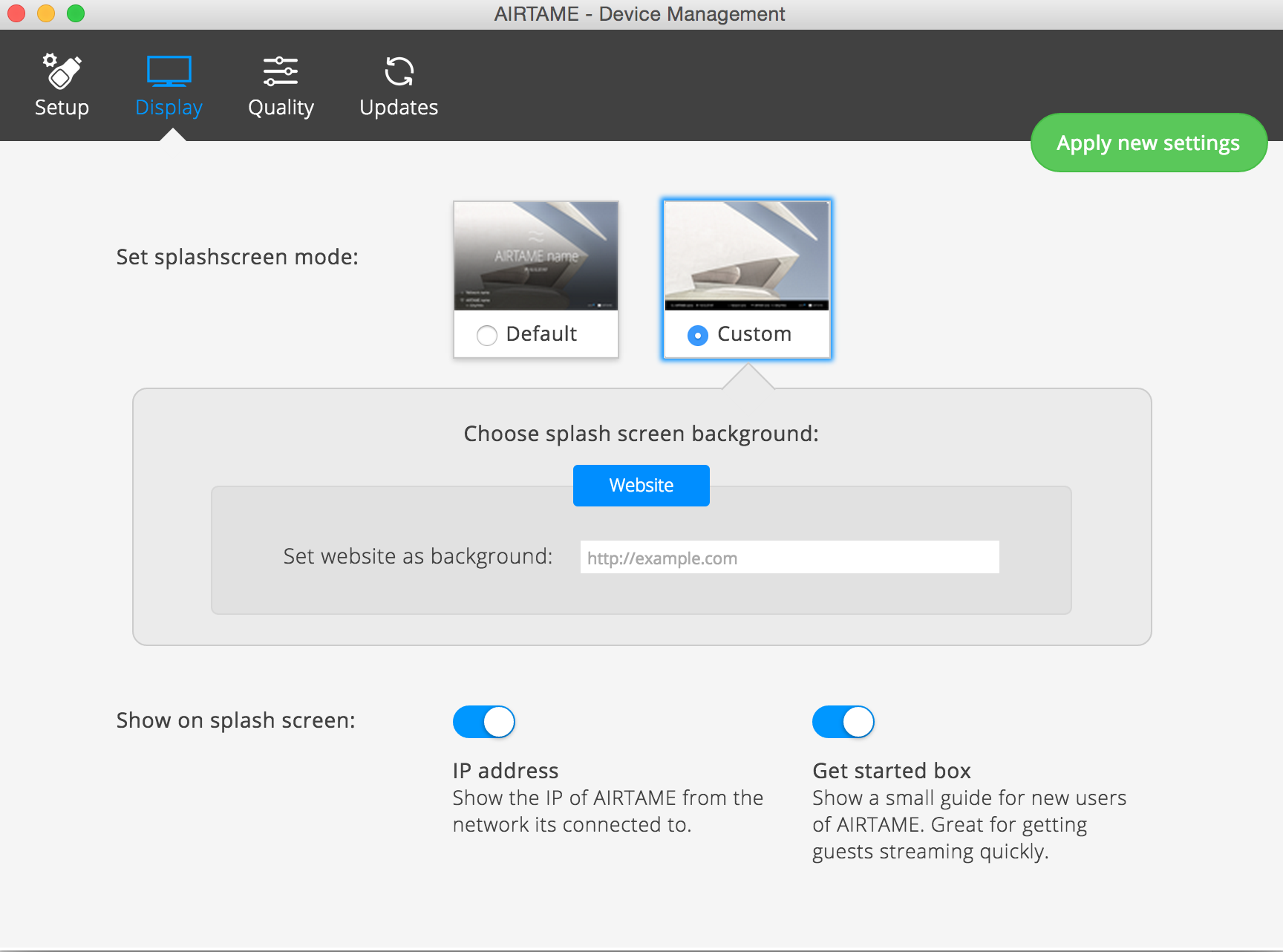
It can use a website as the background/default page – to turn this on, in the app select your Airtame. Go to Manage -> Display -> Custom -> Website

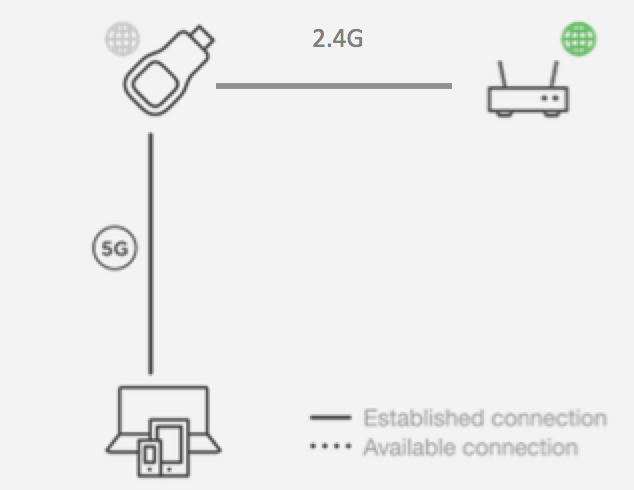
Airtame Custom WallpaperIt will route your internet traffic, so once you connect to the Airtame 5GHz network, and provide it with your WiFi details you can continue to use the interweb while managing/streaming the device.

I found that when I was connecting via the WiFi router I had frequent dropped connections. Not sure if this is the router (fairly crap one) or the Airtame, but found the 5GHz connection via the Airtame to be very stable

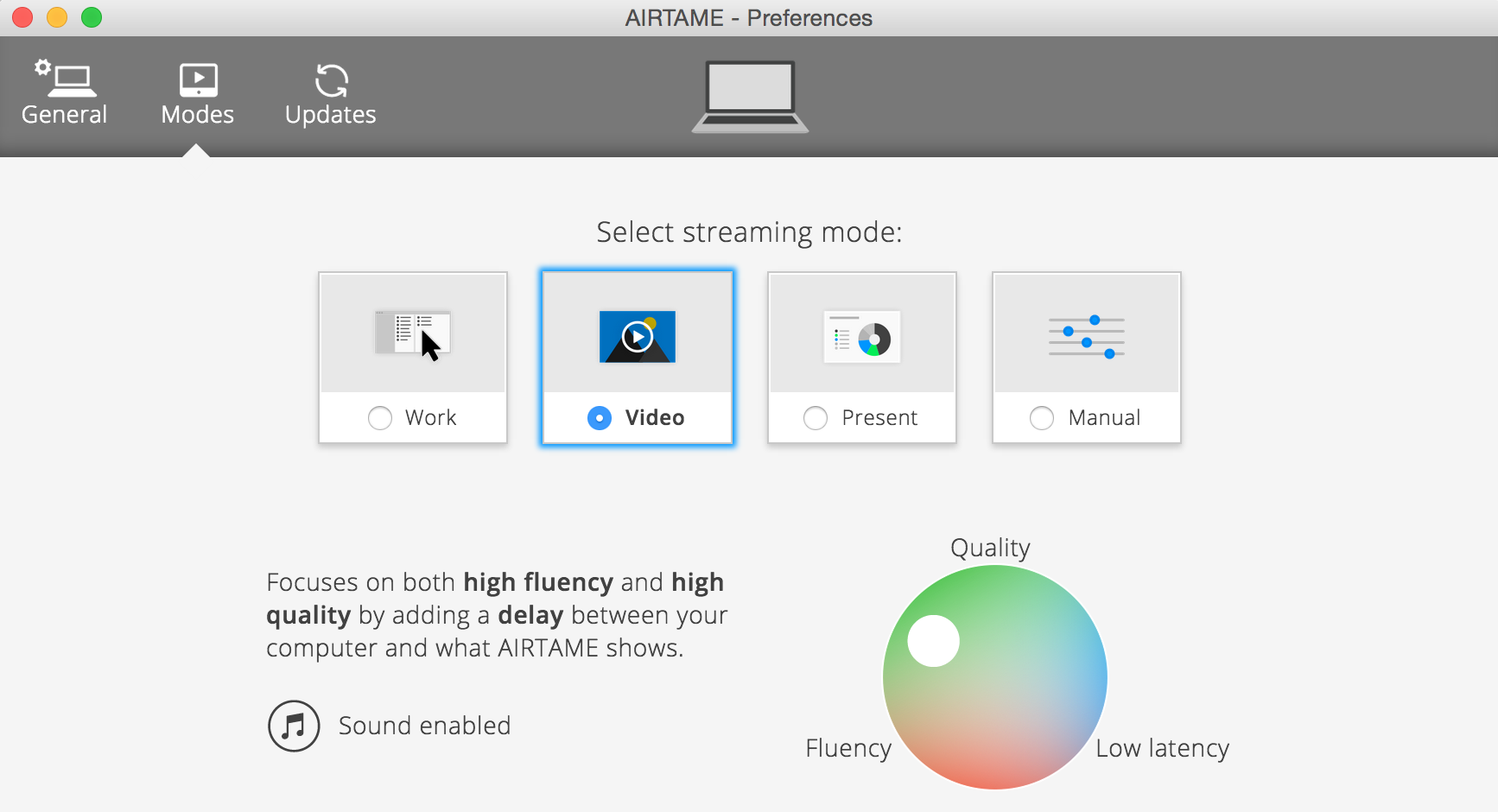
Airtame RoutingAudio streaming – requires a restart in OS X. Then in the Airtame app, under preferences, move the streaming mode to ‘Video’ rather then the default ‘Work’. Note that this will introduce 5sec buffering by default.

Airtame Preferences Mode