
Hey,
As I mentioned on another page I’d ordered an Arduino Uno and Ethernet Shield as an small side project, and they arrived today – great job Farnells for next working day delivery!
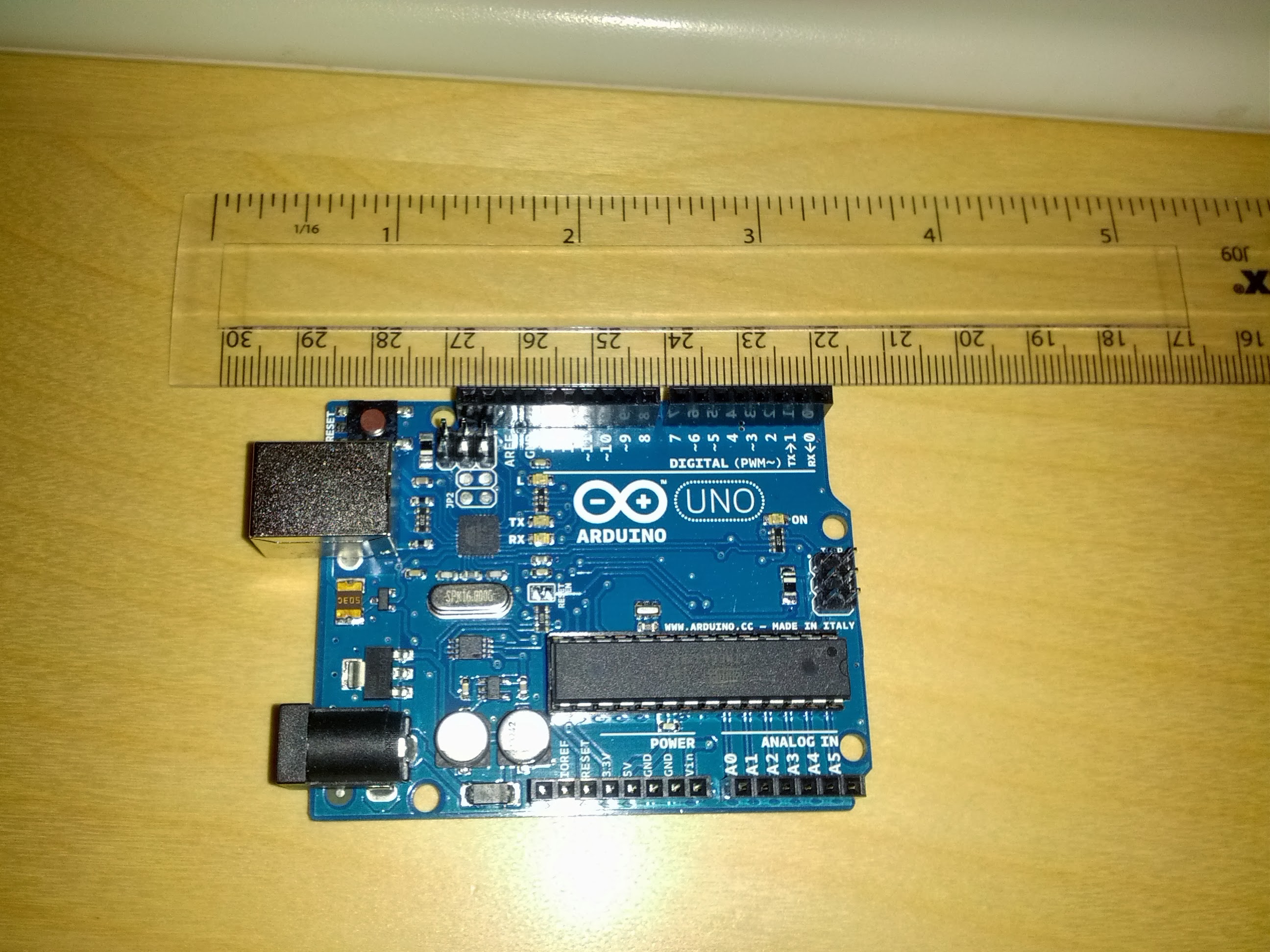
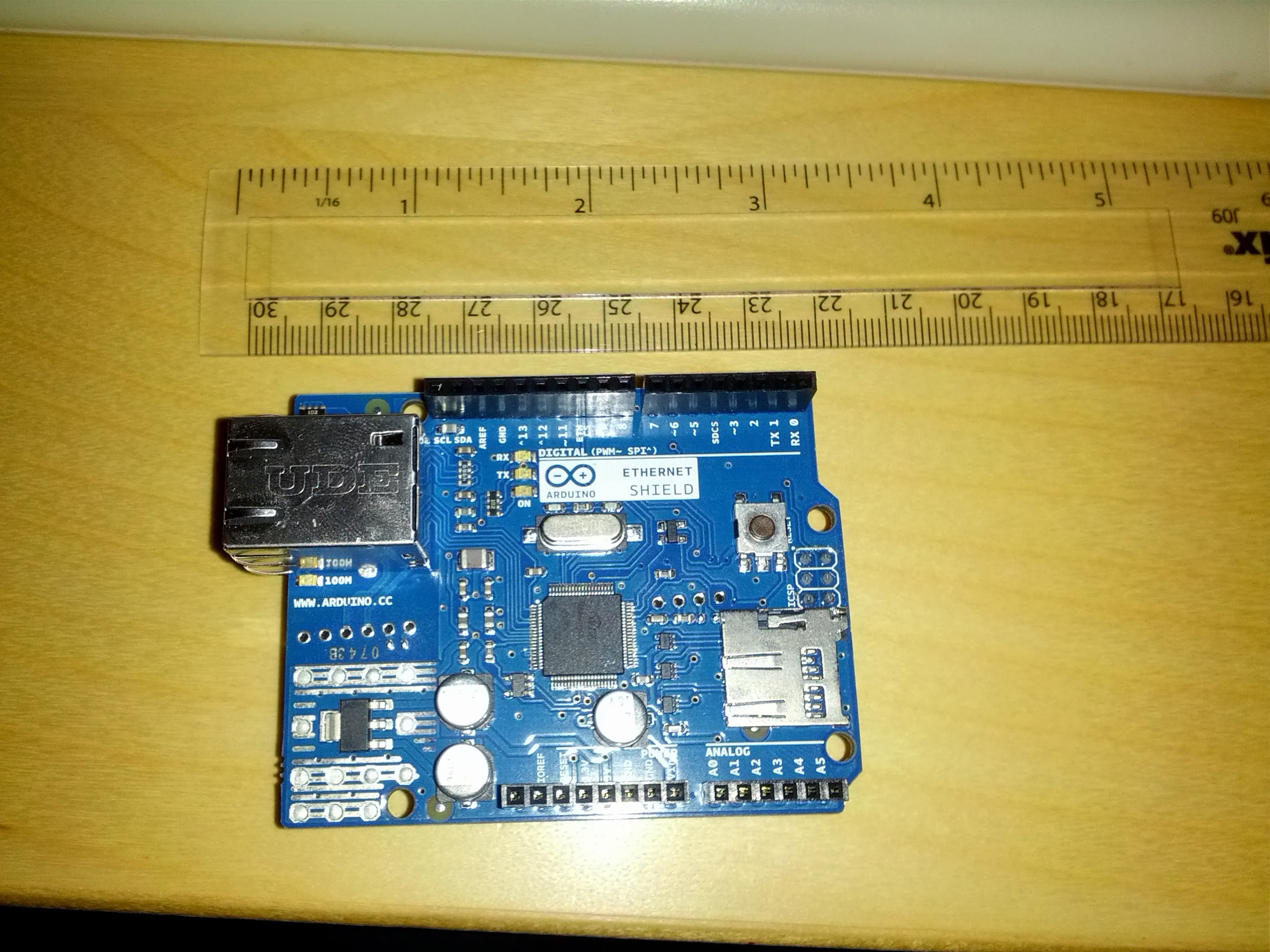
Of course, I didn’t bother to read all the directions and soon found out that the connection is a USB Type B connector – last time I used one of those was about 6 years ago in a big external HDD 🙂
Quick trip to PC World solved that, and grabbed a 4GB microSD card to increase storage.
Got the development environment installed without any issue, and the Uno grabbed COM11 – loaded in the blink template and bingo – working without a hitch.
Started playing with that a bit to create a very simple morse code SOS program.
void loop() {
  x = 0;
  while ( x < 3 ) {
    digitalWrite(led, HIGH);   // turn the LED on (HIGH is the voltage level)
    delay(500);               // wait for a half second
    digitalWrite(led, LOW);    // turn the LED off by making the voltage LOW
    delay(500);               // wait for a half second
    x++;
  }
  x = 0;
  while ( x < 3 ) {
    digitalWrite(led, HIGH);   // turn the LED on (HIGH is the voltage level)
    delay(1000);               // wait for a second
    digitalWrite(led, LOW);    // turn the LED off by making the voltage LOW
    delay(500);               // wait for a half second
    x++;
  }
  x = 0;
  while ( x < 3 ) {
    digitalWrite(led, HIGH);   // turn the LED on (HIGH is the voltage level)
    delay(500);               // wait for a half second
    digitalWrite(led, LOW);    // turn the LED off by making the voltage LOW
    delay(500);               // wait for a half second
    x++;
  }
  delay(2000); // wait 2 secs
}
Clearly I need to get back to coding – was just thinking that if you add in functions this is a good example of many programmatic structures in a very short, easy to follow example (also need to get this blog indenting code correctly) [Edit – fixed. Turns out the editor has a copy-as-html feature which is nice].
Looking forward to getting the network shield up and running tomorrow, but just to tired to jump into it now.


