
For a number of reasons, after some other upgrades, I decided to move to a HBA rather then continuing to use the 2 x Syba 4 Port SATA II PCI-Express x1 Software RAID Card that I’ve been using for some time now. They are relatively simple and cheap devices, and easy to use as they are directly supported by the linux kernel (based on the Sil3124 chipset). Since the HDDs are all in a ZFS array anyway, these cards are basically just adding SATA ports to the motherboard.
After doing some research into the different options, I decided on the LSI Internal SAS SATA 9211-8i 6Gbps 8 Ports HBA PCI-E RAID Controller Card as the most appropriate option in combination with 2 x miniSAS SFF-8087 MINI SAS TO 4 SATA Data Cable For SAS RAID Card LSI 9211-8i.
Hardware
- Motherboard: MSI H97 PC MATE – Socket 1150 – ATX
- Processor: Intel i5 4460 Quad Core Processor (3.2GHz, 6MB Cache)
- HBA: LSI Internal SAS SATA 9211-8i 6Gbps 8 Ports HBA PCI-E RAID Controller Card
- Cables: miniSAS SFF-8087 MINI SAS TO 4 SATA Data Cable For SAS RAID Card LSI 9211-8i
- HDDs: 8 x 2TB HDD. Mix of WD Green, Seagate, and a Toshiba
Firmware Upgrade
First step was to upgrade the firmware on the LSI card to IT mode, rather then the default IR. Basically, I want the card to just present a bunch of connected disks to Linux, and let ZFS manage everything, rather then using it as a raid controller.
The firmware upgrade was quite straightforward, with the only tricky part actually getting the MSI motherboard to give me EFI shell access. In the end I found a setting in the BIOS, under Advanced, marked Windows 8/8i Feature. This has to be set to ‘Enabled’. Apparently UEFI is only enabled when this is turned on.
With the motherboard behaving itself I could flash the card. There are lots of guides on how to do this out there, but as a quick summary, you need a small FAT32 formatted USB stick with 4 files on it.
From LSI download the latest firmware package (P20 for me) – 9211-8i_Package_P20_IR_IT_Firmware_BIOS_for_MSDOS_Windows. It doesn’t matter what OS you are using, this is bundle that you need.
From that there are two files you want:
- 2118it.bin – located in Firmware/HBA_9211_8i_IT
- mptsas2.rom – located in sasbios_rel
Also grab the Installer_P20_for_UEFI file from LSI – this has the:
- sas2flash.efi located in sas2flash_efi_ebc_rel
And the 4th file you need (assuming your motherboard doesn’t have it) is the EFI Shell itself. This is also available here.
Put the 4 files onto the USB stick, and reboot. You should now get booted to the EFI shell. Assuming there is only a single LSI card present, the following commands will flash the firmware:
# Mount the usb drive
mount blk14:

# Switch to that drive
blk14

# Check that you can find your 4 files
dir

# Erase the existing firmware on the card. Note - do not reboot/lose power at this step or you have a dead card
sas2flash.efi -o -e 6

# Load the new firmware and BIOS - takes about 4 mins
sas2flash.efi -o -f 2118it.bin -b mptsas2.rom

# Check the firmware product ID in the output of the following command to verify that it is in IT mode
sas2flash.efi -list
Exit the UEFI shell and reboot. Our LSI card and all the HDDs are detected by both the LSI card itself (SAS Topology) and Linux.
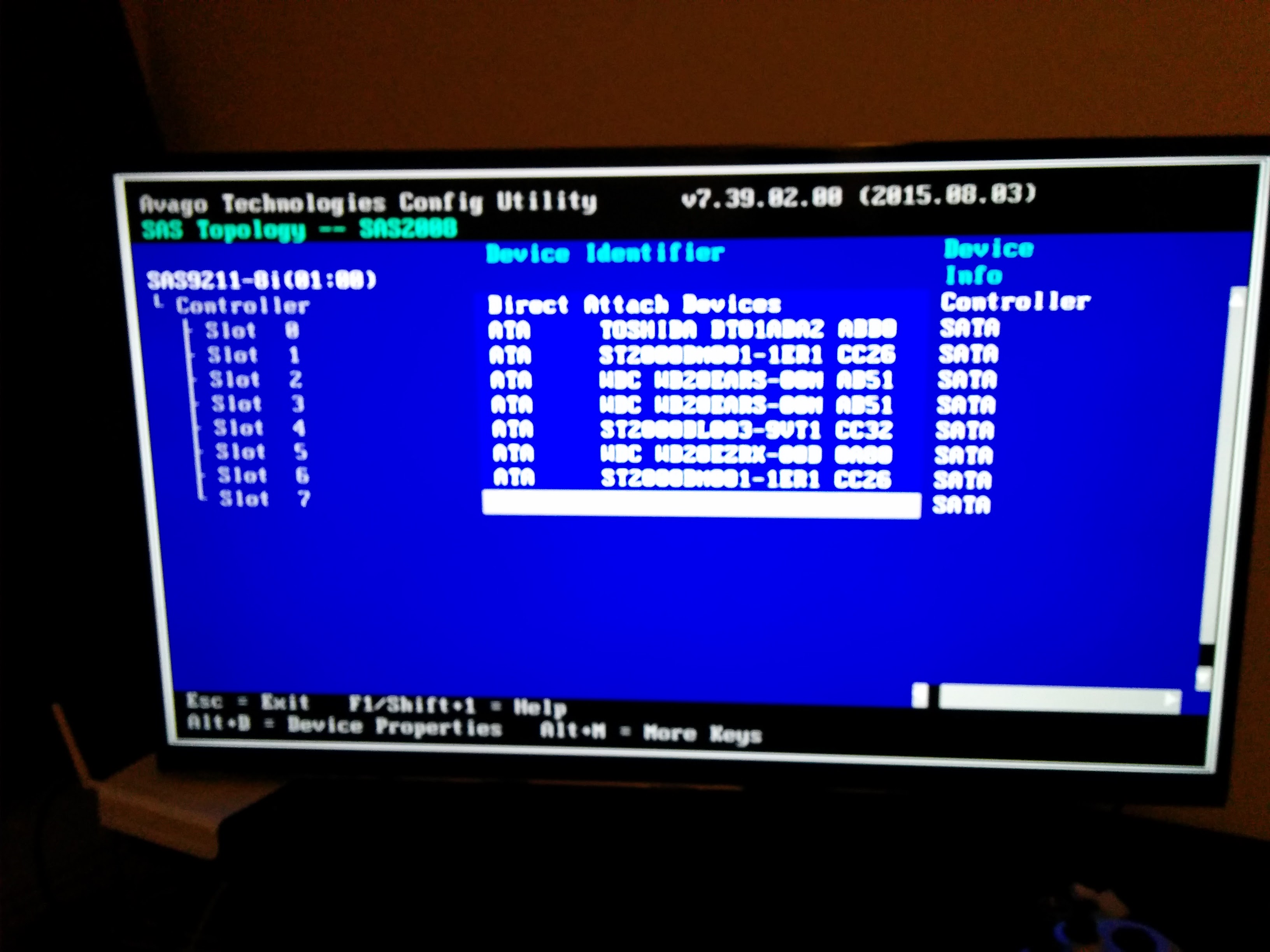 To speed up the boot process you should disable the boot support in the cards BIOS (as long as your boot drive isn’t plugged into the HBA) as this will speed up the boot process.


