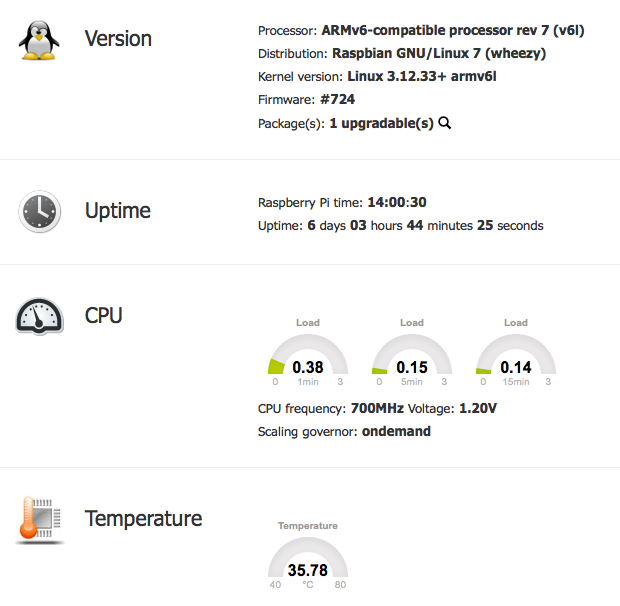
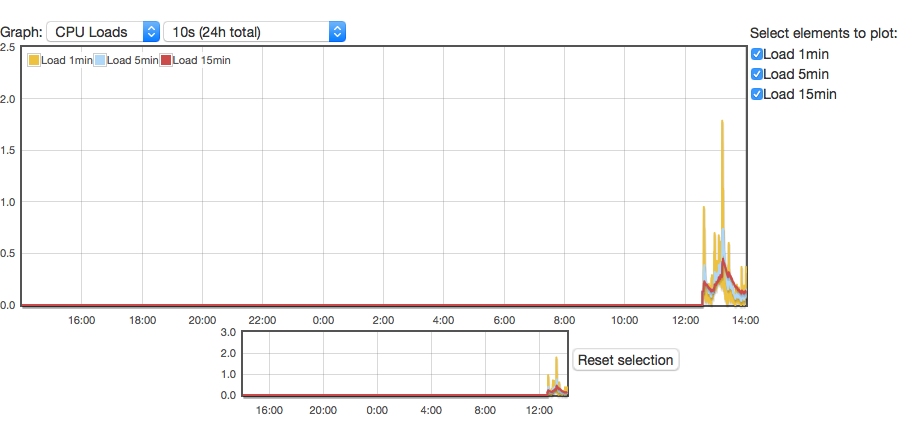
As I recently moved this site to a RPI for hosting purposes, I though it would be a good idea to have a nice web page to monitor the current status of the box. Some googling later and I found the excellent RPi-Monitor.
By default it has it’s own webserver, and it is not recommended to use anything other then that, but running a second webserver seemed a little bit untidy to my thinking so I set it to run on Nginx instead.
The actual changes were quite simple, with one or two gotcha’s.
RPi-Monitor stores the webpage in /usr/share/rpimonitor/web by default. Rather then play with that I just created a symbolic link between the root of the webserver and that point:
ln -s /usr/share/rpimonitor/web /var/www/rpimonitor
and that is sorted.
Next up is the configuration change to the rpimonitor daemon – config file located in /etc/rpimonitor/daemon.conf. We need to set it into no-server mode and also change the user, as I’ve disabled the default ‘pi’ account on this box.
# daemon.noserver=1
# Define that rpimonitor shouldn't start web server (default:0)
# Note: A symbolic link from /var/lib/rpimonitor/stat to
# /usr/share/rpimonitor/stat may be required
daemon.noserver=1

# Define user used to run the server process (default:pi)
# Note: If user is not existing, process will run with uid=1000
daemon.user=rpi-monitor
#
# daemon.group=pi
# Define group used to run the server process (default:pi)
# Note: If group is not existing, process will run with gid=1000
daemon.group=rpi-monitor
#
Restart the service, and you should be able to access it from http://my-website.com/rpi-monitor
$ sudo service rpimonitor restart
 However there is a slight issue in that the datastore is inaccessible to the webserver, so statistics are unavailable with error “File stat/uptime.rrd is not a valid RRD archive”. To resolve this we need to go back to the
 daemon.conf file and move the datastore to somewhere under the root directory of the website
# daemon.datastore=/var/lib/rpimonitor
# Define the data storage directory (Default:/var/lib/rpimonitor)
daemon.datastore=/var/www/rpimonitor
Restart the service again and all is worky.
$ sudo service rpimonitor restart
 Note: you could also just move the webroot in the same way, rather then using the symbolic link.